Updating the Software on Your Astro 430 / 320 SystemOne of the things that changes on a pretty regular basis is the Astro Software. The Garmin engineers make improvements in the software all the time. Most folks don't know it, but you can update the software in both your Garmin Astro Hand held and your T or DC Series Collar to the most current version by logging onto Garmin's website.
On the Astro 220, updating the software in the Collars was somewhat complicated. With the Astro 430 and 320, Garmin has made it much easier. If you have T5 or DC-50 collars, you simply connect them directly to your computer via USB. If you have DC-40, DC-30, or DC-20 collars, the collar updates download into your Handheld at the same time as the Handheld updates. Then you just select the Collar you want to update and select "Update Dog Unit." High-speed internet access required. We highly recommend using wired connections only. Connection instability from dial-up, mobile, WiFi, or satellite connections could leave your handheld unusable. Before you begin, you will need to go to Garmin's website and download their "WebUpdater" software. IMPORTANT NOTICE TO MAC USERS: Do not update your handheld or collars using the Mac version of WebUpdater as it will corrupt the software and make your devices unusable. You must use a Windows PC to update your devices with WebUpdater. Updating the Software in the Astro 430 / 320 Handheld:Once you have installed the software on your computer, updating the Astro 430 / 320 Handheld is pretty easy.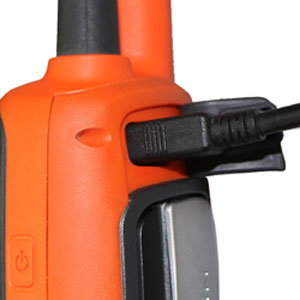 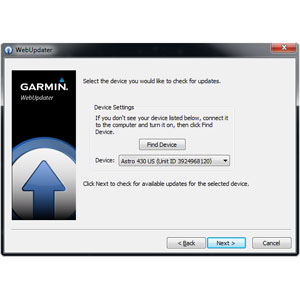 IMPORTANT NOTE: The GPS software in the Astro handheld is maintained separately from the main unit software. The GPS software controls how satellites are received and tracked while the unit software controls how the unit functions in terms of the user interface and tracking dogs. When running Webupdater, it will update the main unit software and then ask if you want to check for additional updates. The additional updates section is where GPS software updates are located, and we recommend you check for these updates when you update your handheld main unit software. Updating the Software in T5 Collar Units: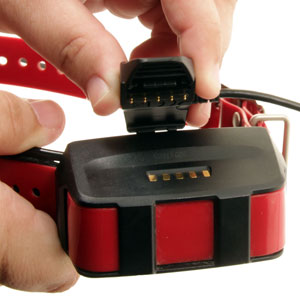 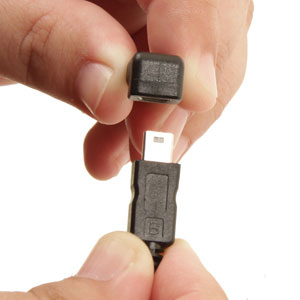 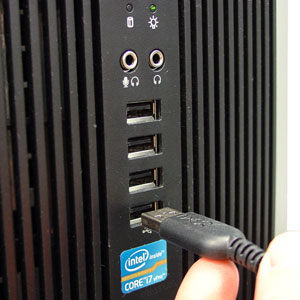 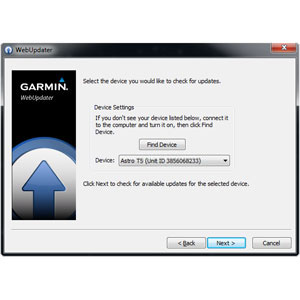 Updating the Software in DC-50 Collar Units: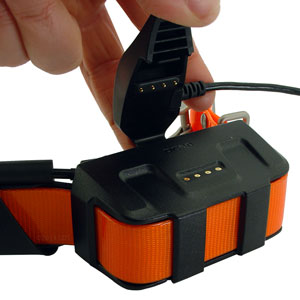 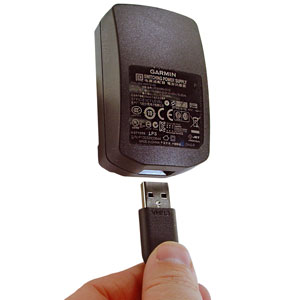 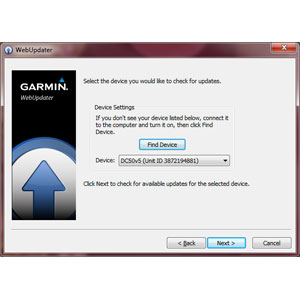 Updating the Software in DC-40, DC-30, and DC-20 Collar Units:After you have updated your Astro 430 / 320 Handheld with the latest software, updating the software in your DC 40, DC 30, or DC 20 is not difficult.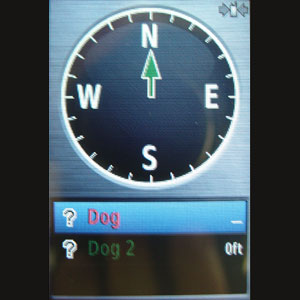 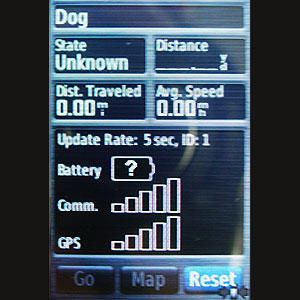 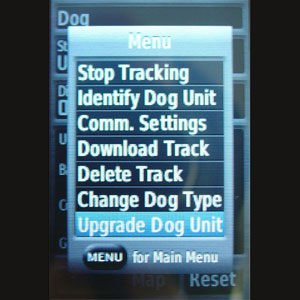 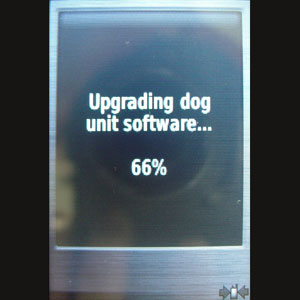 |




FREE SHIPPING on Orders $125+ |
 |  |  |