Please read all steps before starting.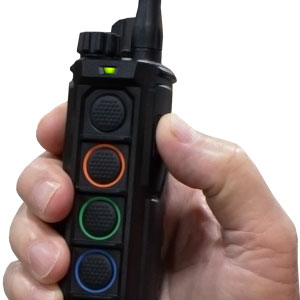
1. Turn on the transmitter by pressing and holding the power button on the top right of the transmitter.
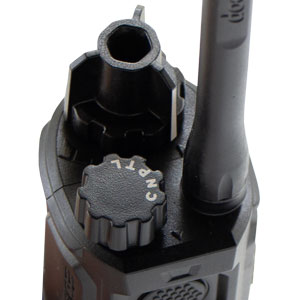
2. Set the transmitter’s stimulation dial to "0" and the mode selection dial to "C".
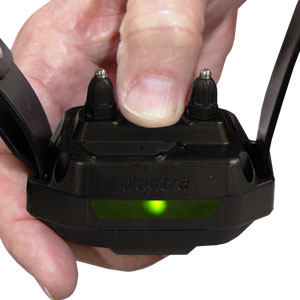
3. With the receiver turned off, hold down the on/off button on the receiver until the LED light begins to rapidly blink green.
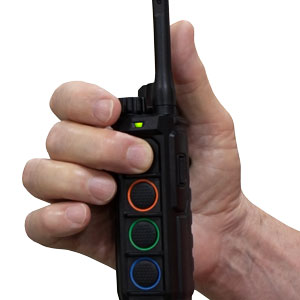
4. While the green LED is rapidly blinking on the receiver, press the button on the transmitter of the color you would like to code to the receiver. The LED light on the receiver will blink every 4 seconds when coding is complete.
NOTE: Confirm the pairing with a pager vibration test. If the pager vibration test is unsuccessful, repeat the pairing process. The pairing between the devices has timed out or failed.
How to Match Collars to Your EDGE RT2 System
Please read all steps before starting.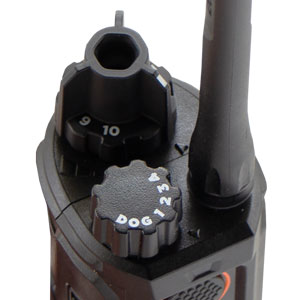
1. Set the transmitter’s stimulation dial to "0" and select the receiver number you want to add using the DOG Selector.
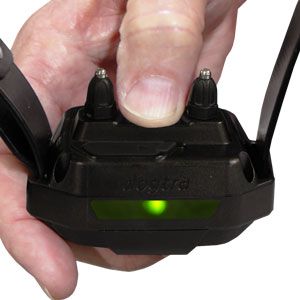
2. With the receiver turned off, hold down the on/off button on the receiver until the LED light begins to rapidly blink green.
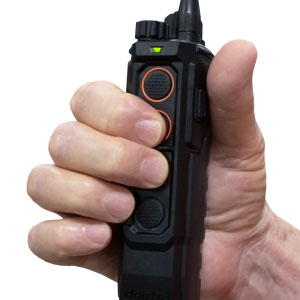
3. While the green LED on the receiver is blinking rapidly, press the lower orange ring button and the upper black ring button on the front of the transmitter. The receiver’s LED will blink every 4 seconds once coding is complete.
NOTE: Confirm the pairing with a pager vibration test. If the pager vibration test is unsuccessful, repeat the pairing process. The pairing between the devices has timed out or failed.
How to Change the Locate LED Light Color on Dogtra EDGE2 / RT2 Collars
Please read all steps before starting. Choose from white, red, green, or blue.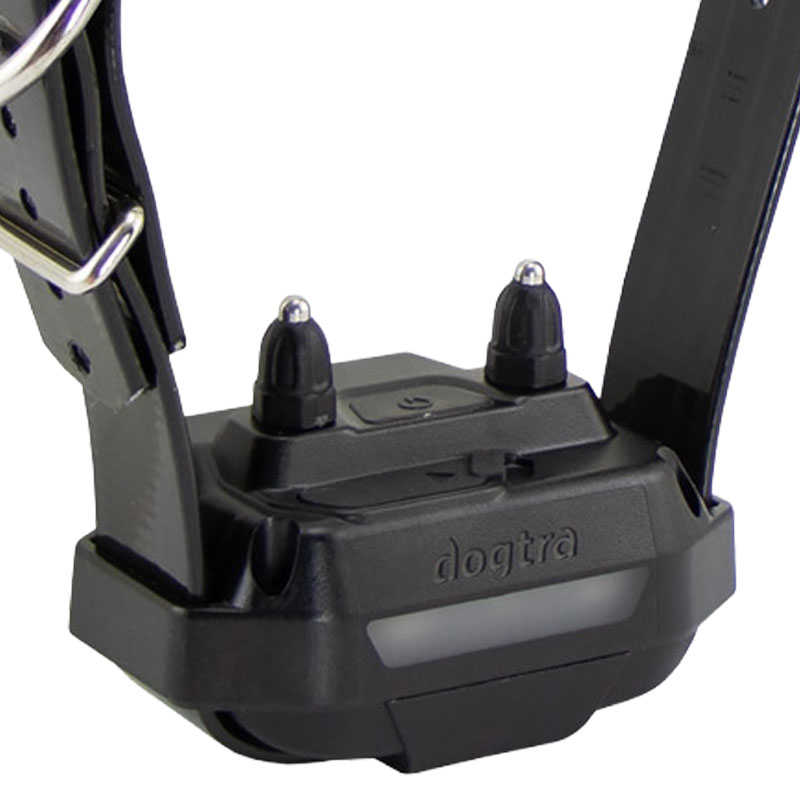
1. Start with the receiver turned off.
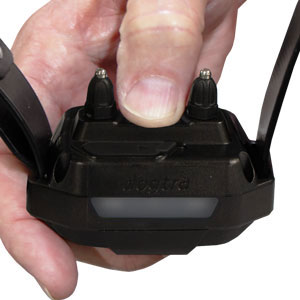
2. Hold down the on/off button on the receiver for a full 10 seconds until the white location light begins flashing rapidly.
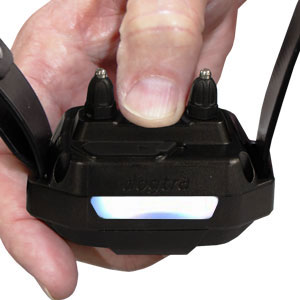
3. Release the on/off button after the white location light flashes rapidly. The white location light will start flashing after the single green (small) LED indicator code setting light finishes blinking.
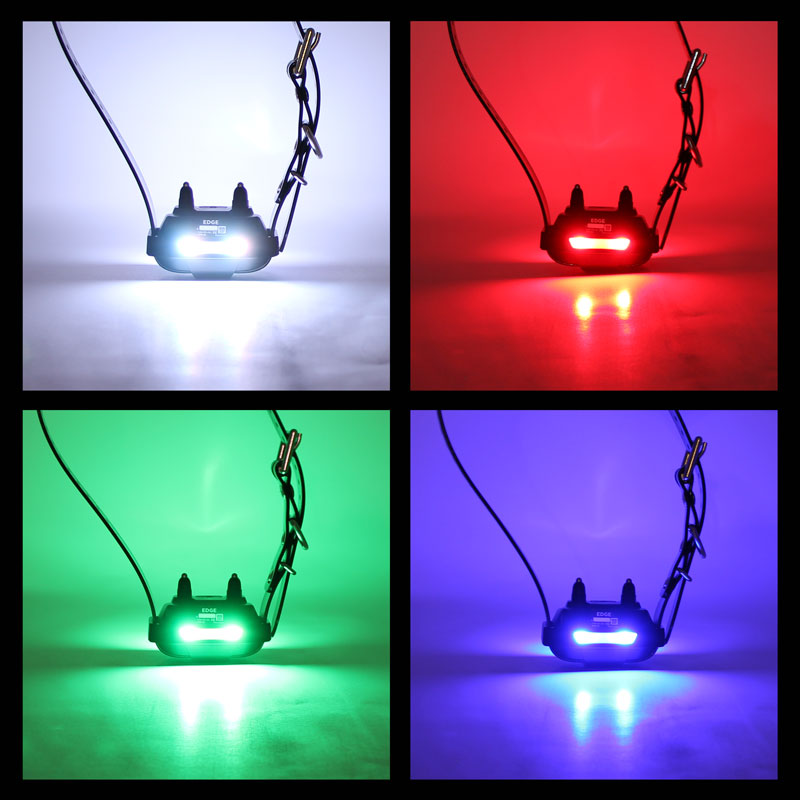
4. Press the on/off button once to set the desired color. The location light colors will rotate in the order of white, red, green, and blue for two full rotations.
NOTE: The location light color will reset to the corresponding button color when re-coded to another button on the Edge2 Transmitter.