Please read all steps before starting.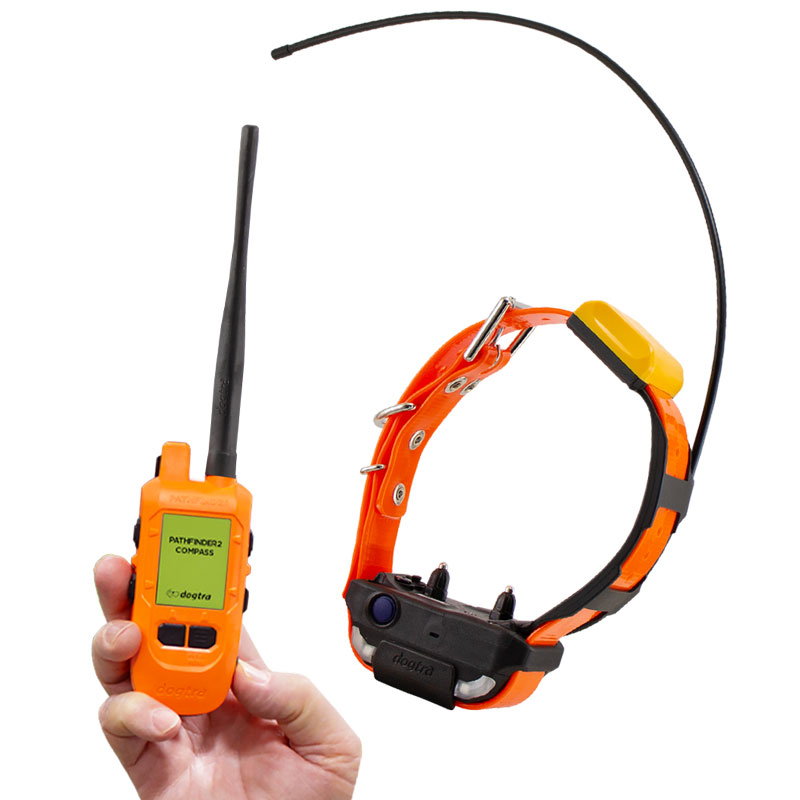
1. Turn on the Pathfinder2 GPS receiver and the Compass connector, and keep both devices close together.
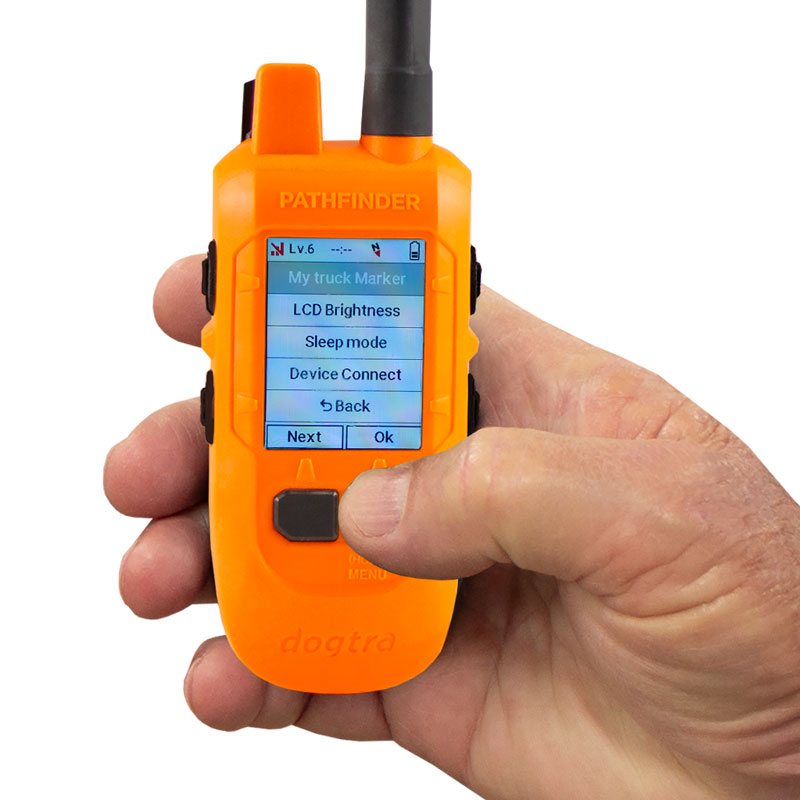
2. On the GPS connector, press and hold the Menu button
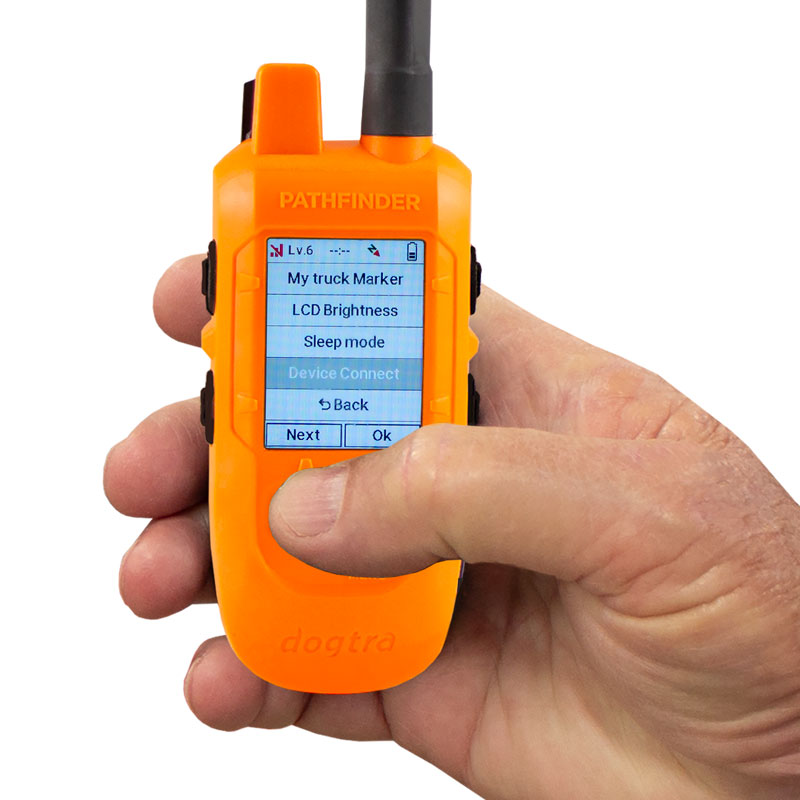
3. Use the Next button to navigate, then select Device Connect.
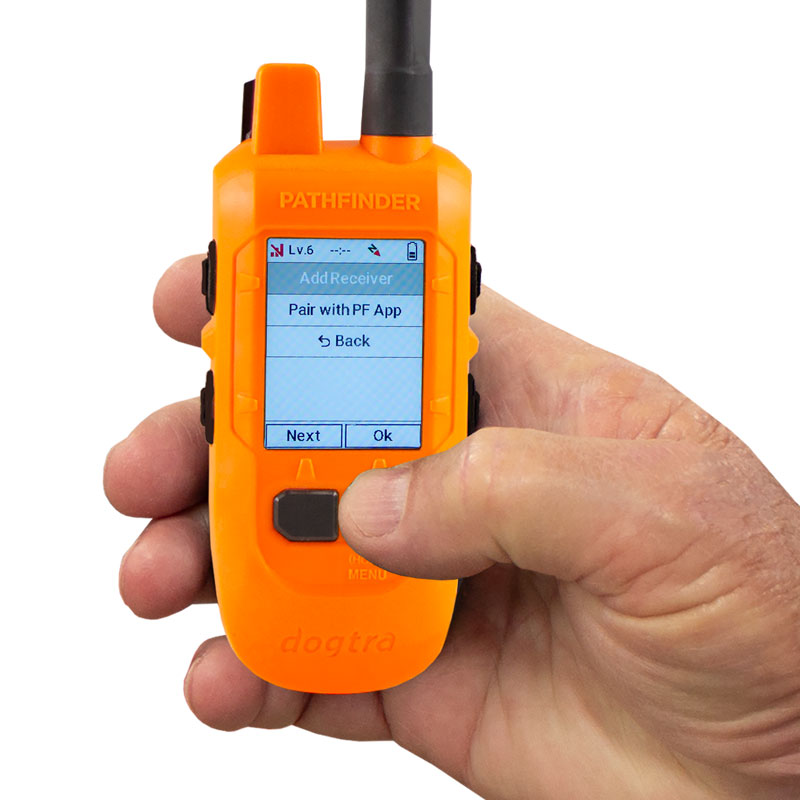
4. Select Add Receiver using the Menu/Select button to start pairing mode.
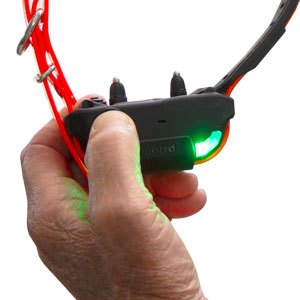
5. Press and hold the Power button on the Pathfinder2 GPS receiver until the LED begins blinking rapidly in green.
(If pairing does not start, bring the two devices closer together and try again. Ensure both batteries are fully charged.)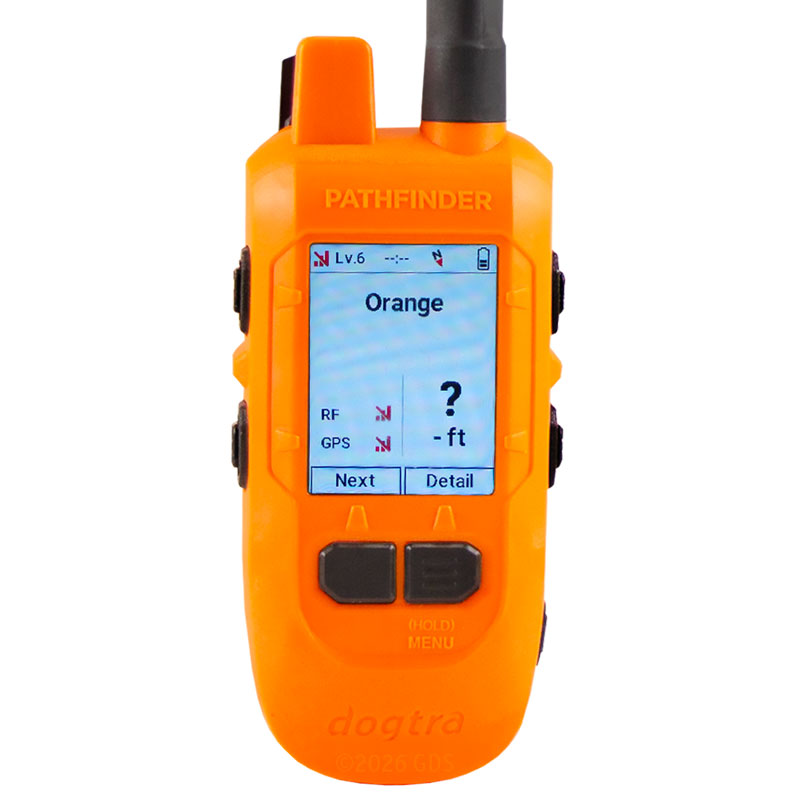
6. Once paired, the receiver will automatically appear in the device list on both the handheld and the PF2 App.