Updating the Software on Your DriveTrackOne of the things that changes on a pretty regular basis is the DriveTrack Software. The Garmin engineers make improvements in the software all the time. Most folks don't know it, but you can update the software in the DriveTrack to the most current version by logging onto Garmin's website.
High-speed internet access required. We highly recommend using wired connections only. Connection instability from dial-up, mobile, WiFi, or satellite connections could leave your device unusable. Before you begin, you will need to go to Garmin's website and download their "Garmin Express" software. Updating the Software in the DriveTrack:Once you have installed the software on your computer, updating the DriveTrack is pretty easy.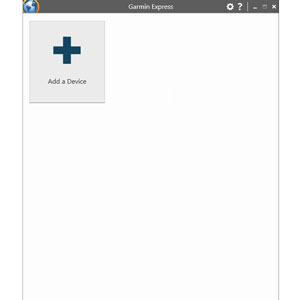 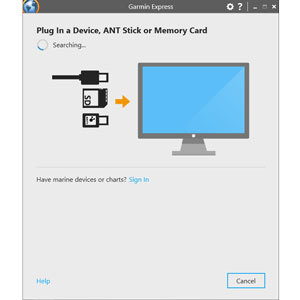 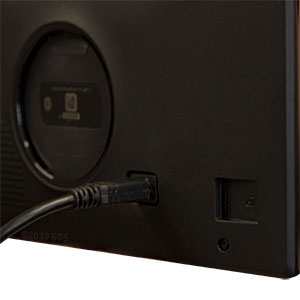 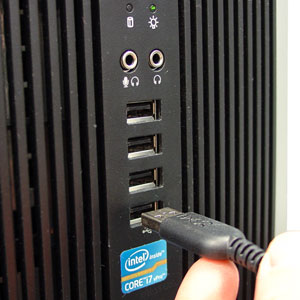 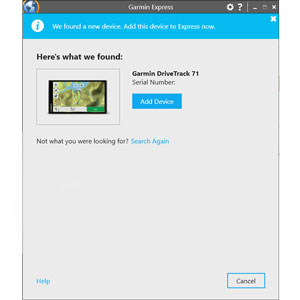 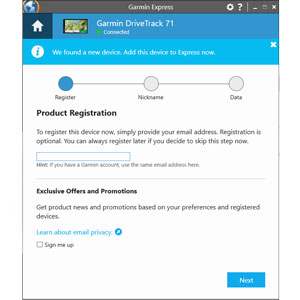 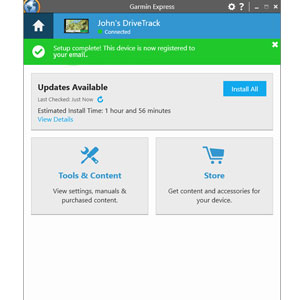 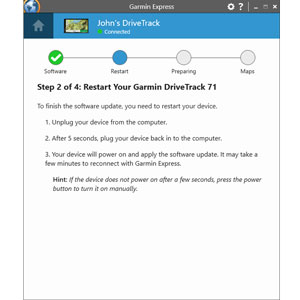 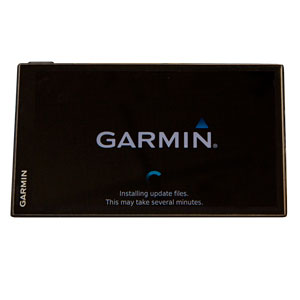 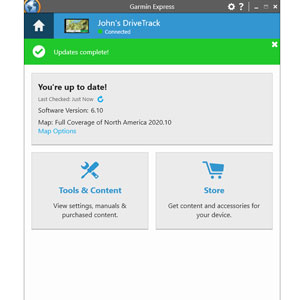 |




FREE SHIPPING on Orders $125+ |
 |  |  |