Garmin Pro 550 PLUS Master Reset InstructionsHaving trouble with your Pro 550 PLUS? A "Master Reset" may fix the problem.PRO 550 PLUS Handheld Master ResetNOTE: This procedure removes all paired dog collar devices from your handheld device. After resetting your handheld device, you must complete the pairing process for each collar again.To perform the master reset: 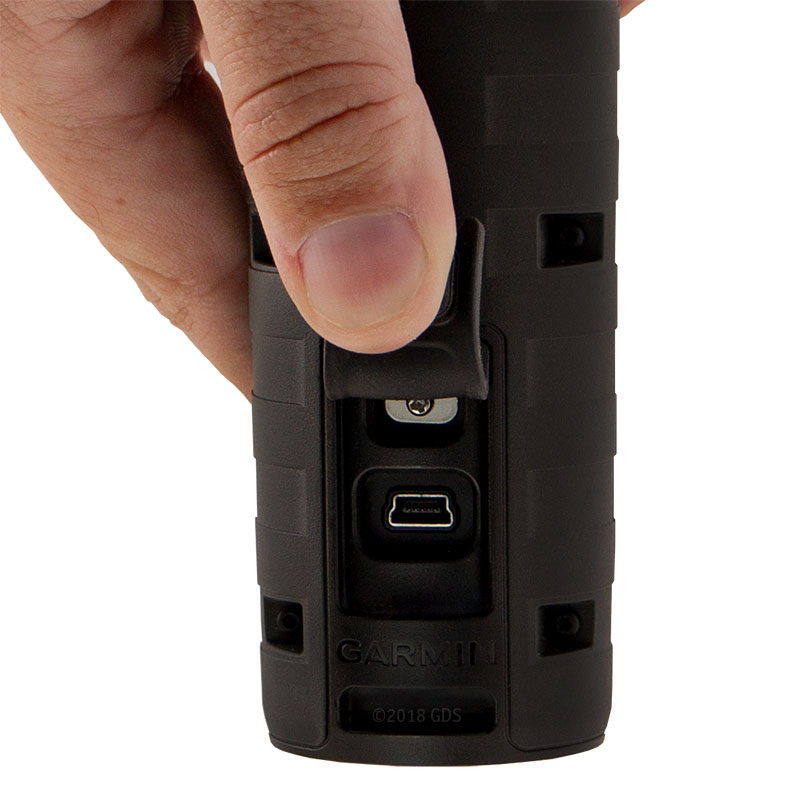 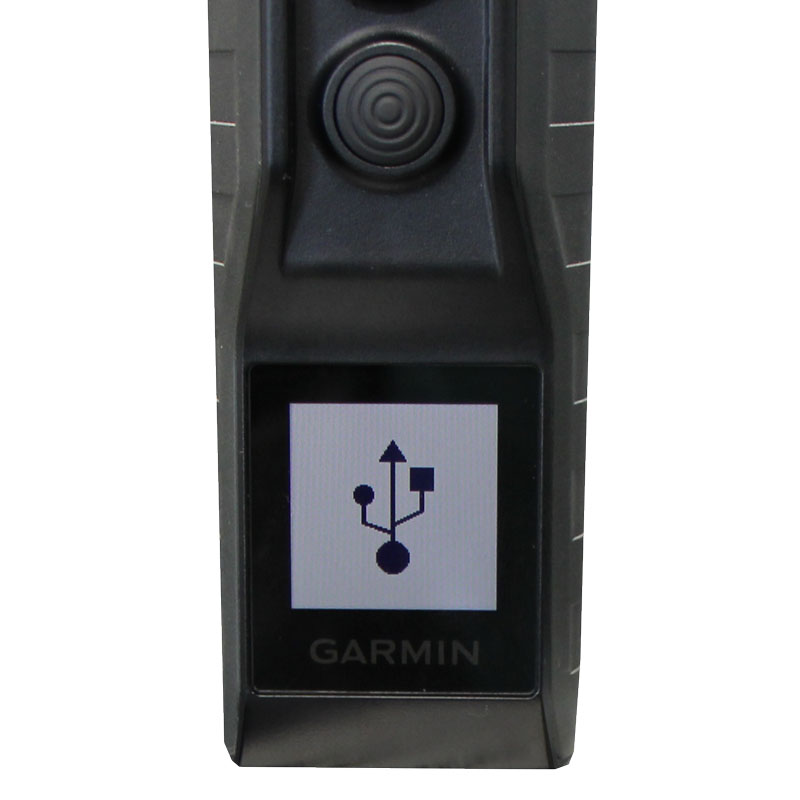 1. Connect your handheld to a computer via USB (a USB symbol will appear on the handheld screen). 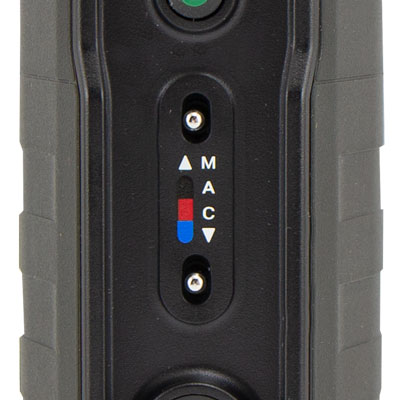 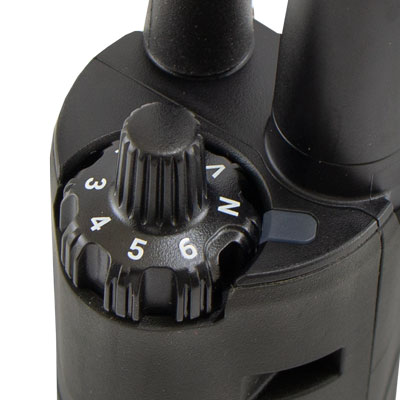 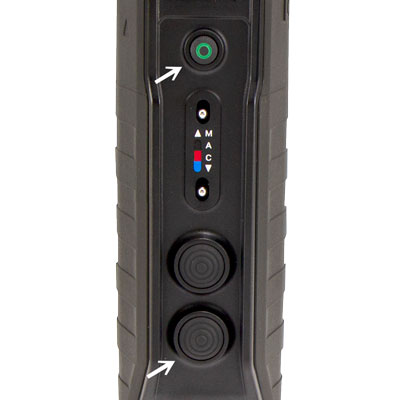 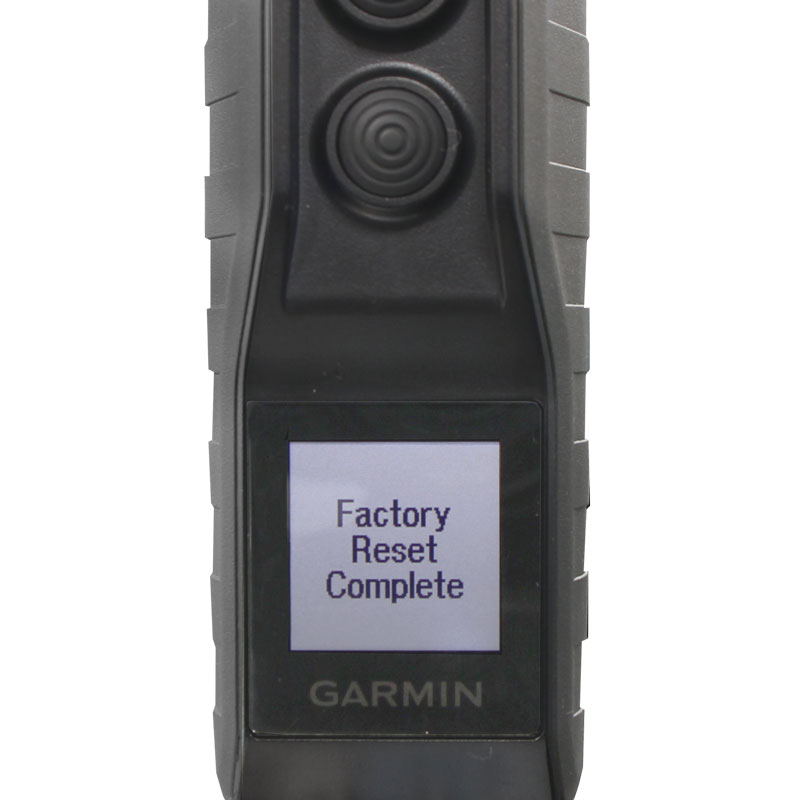 Your Pro 550 Plus is now reset and ready for use. Master Reset for T5 MINI and TT15 MINI Dog Tracking CollarsIf your T5 MINI or TT15 MINI collar is failing to operate as expected, corrupt data may be the cause. Performing a master reset will reset the collar to factory settings and clear data, resolving issues caused by corrupt data.To perform a master reset: 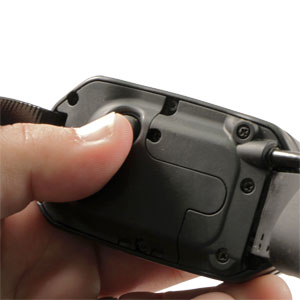 2. Rapidly press the power Button 8 times. 3. Wait for light to turn solid red then begin flashing green again. 4. Reference the Owner's Manual to remove old collar information. 5. Reference the Owner's Manual to repair the collar. The collar has now been reset and is ready for use. If the collar did not reset you may want to try the sequence again. It may be necessary to leave the device outside with a clear view of the sky for 20 minutes to acquire satellites. Master reset for TT15, TT10, T5 and DC-50 Dog Tracking CollarsIf your TT15, TT10, T5 or DC-50 collar is failing to operate as expected, corrupt data may be the cause. Performing a master reset will reset the collar to factory settings and clear data, resolving issues caused by corrupt data.NOTE: While it is safe to perform a master reset on a MAC with these collars, it is not safe to update the software on a MAC. Please update the software of the collars using a Windows based computer. To perform a master reset: 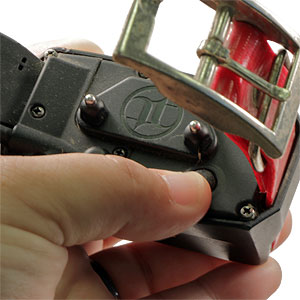 2. Connect charging clip to collar. 3. Connect USB cable to collar. 4. Connect USB cable to power source (computer, AC wall adapter). 5. Ensure collar light is active to confirm connection. 6. Firmly press the power button 4 times (each button press should produce a quiet tone from the collar). 7. Wait for light to turn green then red. 8. Disconnect USB cable and charging clip from collar. 9. Reference the Owner's Manual to remove old collar information. 10. Reference the Owner's Manual to repair the collar. The collar has now been reset and is ready for use. If the collar did not reset you may want to try the sequence again and ensure you are hearing the quiet tone after each button press. It may be necessary to leave the device outside with a clear view of the sky for 20 minutes to acquire satellites. |




FREE SHIPPING on Orders $125+ |
 |  |  |